Solar monitoring systems may require communication cables in addition to PV and power cables. Inverters, meters, weather stations, combiner boxes, gateways and SCADA systems may use RS485, Ethernet or fiber depending on protocol, distance, noise environment and network architecture. Before buying cable, project teams should confirm the device interface, communication protocol, route distance, indoor/outdoor exposure, shielding requirement and whether the cable will run near power cables or in a separate communication path.
Where communication cables appear in solar systems
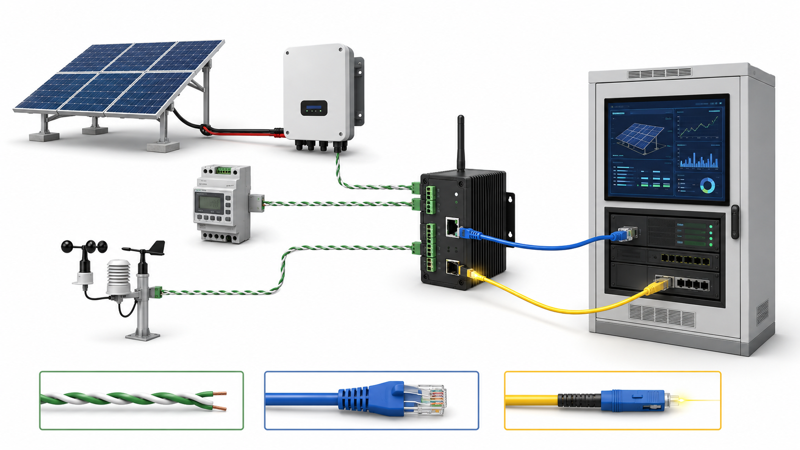
Monitoring cables connect the devices that report performance, environmental data and equipment status. They should be planned as part of the solar BOM, not added after power cable procurement.
| Device / system | Possible cable type | Buyer must confirm |
|---|---|---|
| Inverter communication port | RS485 / Ethernet | Protocol and terminal type |
| Energy meter | RS485 / Ethernet | Meter interface and distance |
| Weather station | RS485 / signal cable | Protocol and outdoor route |
| Data logger / gateway | Ethernet / RS485 | Network architecture |
| SCADA room | Ethernet / fiber | Distance and backbone design |
| Solar farm backbone | Fiber | Long distance and EMI considerations |
RS485, Ethernet or fiber: how to choose direction
The right communication cable depends on device interface first, then distance and environment. Do not assume a protocol from the project name alone.
| Cable direction | Strength | Limitation | Best fit |
|---|---|---|---|
| RS485 | Simple serial communication, common in industrial devices | Needs protocol, termination and wiring confirmation | Meter, inverter, controller communication |
| Ethernet | Common IP network connection | Distance and outdoor protection must be planned | Gateway, data logger, LAN connection |
| Fiber | Long distance and EMI resistance | Requires optical equipment and termination | Solar farm backbone and SCADA link |
Monitoring cable RFQ checklist
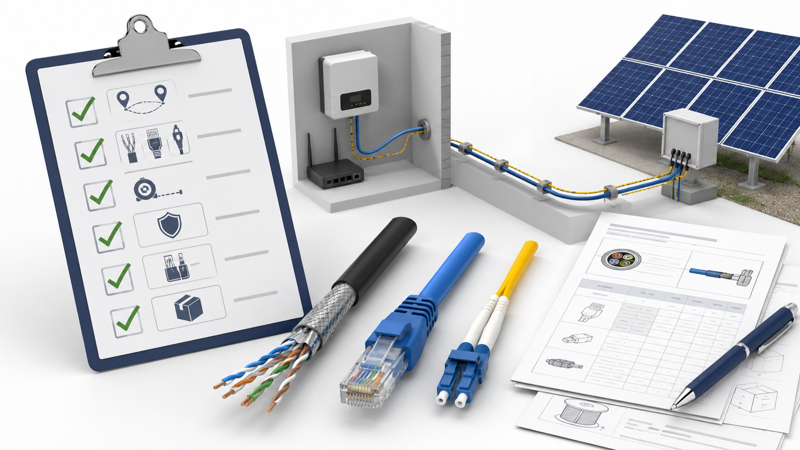
For a monitoring cable quotation, provide device and route information rather than asking only for a cable category. Shielding, jacket and termination can change based on the site.
| RFQ field | Why it matters |
|---|---|
| Device type | Defines communication interface |
| Protocol | Avoids wrong cable or topology |
| Distance | Affects cable type and signal reliability |
| Indoor / outdoor route | Determines jacket and protection |
| Shielding need | Important near power equipment |
| Termination | Affects installation method |
| Quantity and length | Needed for quotation and packing |
Related ZION products and solution pages
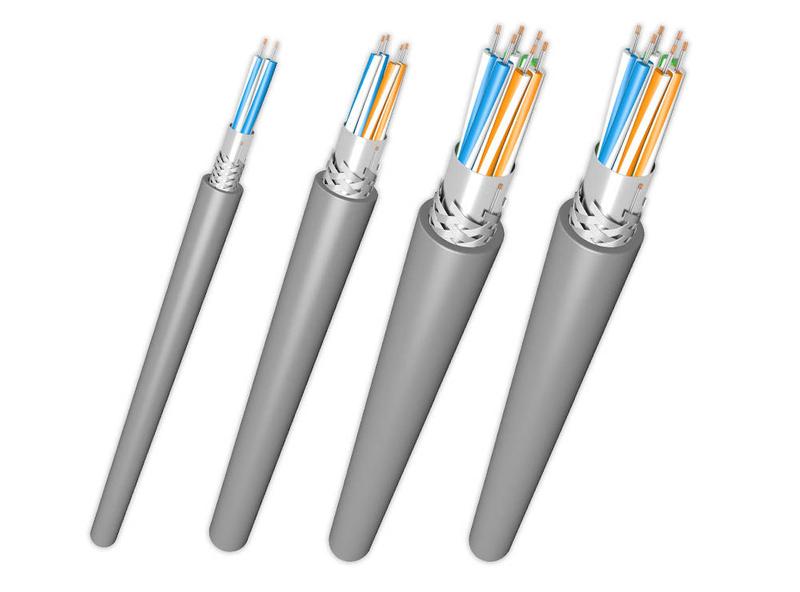
RS485 / RS232 Communication Cable Solution
Main solution for serial communication cable routes in industrial and monitoring systems.
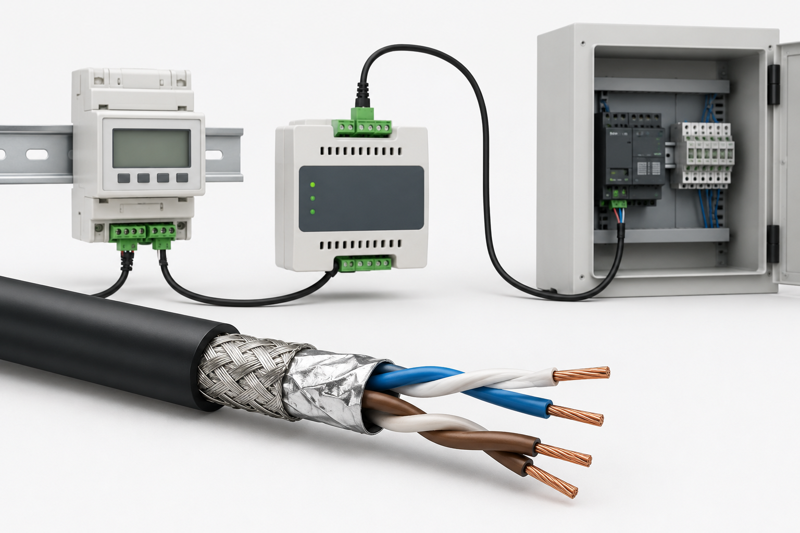
RS485 Cable for Modbus & BACnet
Product page for industrial RS485 cable discussions where protocol and route should be verified.
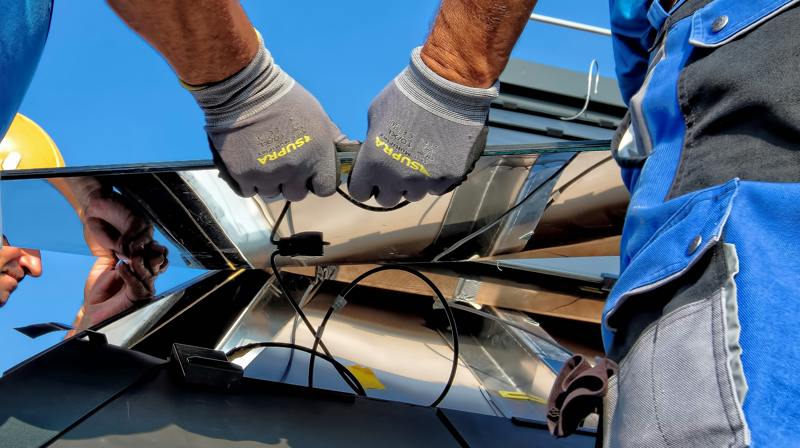
Utility-Scale Solar Farm Cable Solution
Useful when monitoring cable belongs to a solar farm SCADA or site backbone system.
Engineering note
RS485 is an electrical interface, not a complete application protocol. Device manuals, topology, grounding practice, termination and cable route should be checked before cable purchase.
- Confirm whether the device port is RS485, Ethernet or optical.
- Check protocol, distance and topology from equipment manuals.
- Review EMI exposure near inverter and power equipment.
- Separate communication cable route when required by design.
FAQ
What cable is used for solar inverter monitoring?
It depends on the inverter interface. Many systems use RS485 or Ethernet, while larger solar farms may use fiber for backbone communication.
Can RS485 be used in solar monitoring?
Yes, RS485 is widely used in industrial communication, but the protocol, distance, terminal method and wiring topology must be confirmed from device manuals.
When should fiber be used in a solar farm?
Fiber may be considered for long-distance site backbone, EMI-sensitive routes or central SCADA communication. It requires compatible optical equipment.
Can communication cable run together with power cable?
This depends on project design and local practice. In many cases, separation or shielding may be needed to reduce interference risk.
What information should I send for monitoring cable selection?
Send device interface, protocol, distance, route, shielding requirement, indoor/outdoor condition and termination method.
Can ZION confirm compatibility with a specific inverter?
ZION can help review cable requirements, but compatibility should be verified with the inverter or device manual.
Sources and references
Use ZION RS485 / RS232 solution and device manuals. Do not state universal distance or brand compatibility without protocol, baud rate, cable construction and installation conditions.