How to choose the appropriate cable for monitoring systems such as CCTV and IP CAMERA (part of the security system).
Author: Site Editor Publish Time: 16-08-2022 Origin: Site
How to Choose Cable for CCTV and IP Camera Systems Compare coaxial cable, Cat5e/Cat6/Cat6A twisted pair, and fiber optic cable by camera type, link distance, power delivery, interference, and installation environment.
The right surveillance cable starts with the system architecture. Analog and HD-over-coax cameras normally use 75-ohm coaxial cable. Most IP cameras use balanced twisted-pair Ethernet, often with Power over Ethernet (PoE). Fiber optic cable is typically selected for long backbones, links between buildings, high-bandwidth aggregation, or routes exposed to strong electromagnetic interference. No single cable is best for every CCTV or IP camera project.

■Quick Cable Selection
Choose Cat5e, Cat6, or Cat6A twisted pair
Use balanced copper Ethernet for most IP camera runs within the equipment-supported channel length, especially when one cable must carry both data and PoE.
Choose 75-ohm coaxial cable
Use coax for compatible analog or HD-over-coax cameras and DVRs, or when an existing coax plant can be retained with equipment approved for that cable and distance.
Choose fiber optic cable
Use fiber for long links, building-to-building backbones, electrically noisy areas, lightning-prone outdoor routes, or aggregated camera traffic. Fiber does not deliver camera power, so plan local power or a separate power path.
■Start With the Surveillance Architecture
A video surveillance system includes cameras, transmission media, power, recording or video-management equipment, displays, and network or control components. The cable must match the electrical or optical interface at both ends. Camera resolution alone does not determine the medium: the output interface, codec bitrate, PoE load, distance, environment, and recorder or switch design matter together.
IP video systems
An IP camera connects to an Ethernet switch or network video recorder. Cat5e or better balanced copper is common because it supports Ethernet and can also carry PoE. Fiber is normally used between switches, across long routes, or between buildings; a media converter, fiber-capable switch, or optical interface is required at each end. Existing coax can sometimes be reused for IP cameras through compatible Ethernet-over-coax or PoE-over-coax adapters, but the adapter, cable condition, camera power, and supported distance must be checked as one system.
Analog and HD-over-coax systems
Traditional analog CCTV and compatible HD-over-coax formats use 75-ohm coaxial cable between the camera and DVR. Signal reach varies with the video format, cable type and construction, conductor material, attenuation, connectors, and transmitter/receiver specifications. Use the camera and DVR vendor's distance table rather than a universal distance claim.
■Twisted-Pair Ethernet for IP Cameras
For a standard copper Ethernet camera link, the commonly applied channel limit is 100 m, typically arranged as up to 90 m of permanent horizontal cable plus patch cords. A longer route needs a properly designed extender, an intermediate powered switch, or a fiber segment. Do not assume that any non-standard extender preserves the same bandwidth and PoE capacity; confirm its data rate, power budget, environmental rating, and total supported reach.

Cat5e: supports 1000BASE-T applications when the installed channel meets the applicable cabling and Ethernet requirements. It can be suitable for many current IP cameras.
Cat6: provides 250 MHz category performance and more cabling margin than Cat5e. It is a practical baseline for many new surveillance installations.
Cat6A: provides 500 MHz category performance and supports 10GBASE-T over a compliant 100 m channel. It is useful for higher-capacity uplinks, dense PoE bundles, or projects planning for future equipment.
“Cat6e” is not the same as the recognized Cat6A designation and should not be used as a procurement specification. State the required category, conductor, shielding construction, jacket, fire rating, outdoor or indoor use, connector system, and test requirement. For product families, review ZION's LAN/Ethernet cable range.
■Coaxial Cable for CCTV and Retrofit Projects
Coaxial cable has a center conductor, dielectric, shield, and outer jacket. Surveillance video systems generally require 75-ohm coax, commonly in RG59, RG6, or RG11 families. The name alone is not enough: conductor type, shielding, attenuation, jacket material, installation rating, connector quality, and the camera/DVR format all influence performance.

Use the exact video format and equipment documentation to establish maximum reach.
Check cable attenuation at the relevant frequency, not only the RG designation.
Match the jacket and rating to indoor, outdoor, riser, plenum, conduit, or direct-burial conditions as applicable.
If power is required in the same route, specify a suitable Siamese construction or a separate power design rather than assuming ordinary coax carries camera power.
Coax remains useful for maintaining compatible legacy systems and avoiding unnecessary recabling. For new IP deployments, twisted-pair Ethernet or fiber usually provides a clearer migration path. ZION's RG59 CCTV coaxial cable range shows conductor, jacket, and rating choices that should be confirmed during procurement.
■Fiber Optic Cable for Distance, EMI, and Backbone Capacity
Fiber transmits data as light and is immune to electromagnetic interference along the optical path. It is well suited to campus surveillance backbones, industrial sites, transportation facilities, perimeter systems, and links between buildings. Fiber also avoids an electrical connection between endpoints, which can be valuable where ground-potential differences or lightning exposure are design concerns.

Choose single-mode or multimode fiber according to the optical interfaces, required distance, installed cable plant, bandwidth, and lifecycle plan. Single-mode is commonly selected for longer outside-plant and campus links. Multimode can be appropriate for shorter building or equipment-room links when it matches the transceivers and existing infrastructure. “Single-mode is better quality” is not a valid specification; compatibility and the link budget decide the correct choice.


A complete fiber link also needs compatible transceivers or media converters, connectors, termination hardware, and a power plan for the remote camera or switch. Specify fiber count, fiber type, cable construction, environment, connector interfaces, loss budget, testing, and spare capacity. See ZION's fiber optic cable portfolio for indoor and outdoor cable families.
■Coax vs Twisted Pair vs Fiber
Twisted-pair Ethernet
Best fit: most IP camera drops.
Main advantage: data and PoE can share one cable.
Key constraint: standard channel reach and PoE voltage drop; shielding, grounding, bundle heat, and outdoor exposure require project-specific attention.
75-ohm coaxial cable
Best fit: compatible analog or HD-over-coax systems and selected retrofit projects.
Main advantage: can preserve existing CCTV cabling.
Key constraint: reach depends strongly on the signal format, cable loss, conductor, connectors, and equipment.
Fiber optic cable
Best fit: backbones, long routes, interbuilding links, and high-EMI environments.
Main advantage: long optical reach, high capacity, and EMI immunity.
Key constraint: requires optical interfaces and does not provide camera power.
■Seven Steps to Specify the Cable
Identify the camera interface: Ethernet/PoE, analog, HD-over-coax, or native fiber.
Measure the real route: include vertical runs, service loops, patch cords, and equipment-room routing.
Calculate traffic: use the camera vendor's bitrate assumptions, recording mode, frame rate, codec, and number of streams; size uplinks for aggregated traffic.
Calculate power: confirm each camera's maximum power, PoE class or requirement, switch budget, conductor resistance, voltage drop, and ambient temperature.
Assess the environment: check indoor/outdoor exposure, moisture, UV, temperature, EMI, lightning, grounding, fire rating, conduit, burial, and mechanical protection.
Check interfaces and accessories: include connectors, patch panels, surge protection, media converters, transceivers, splice hardware, and local power where required.
Define acceptance testing: specify copper certification or qualification, coax continuity and signal checks, or fiber loss testing as appropriate to the system.
■Information to Prepare Before Buying
A useful cable request should include the following information:
camera and recorder/switch model or interface type;
number of cameras and maximum route length;
required data rate and PoE power per camera;
indoor, outdoor, aerial, duct, tray, conduit, or direct-burial installation;
EMI, lightning, grounding, temperature, moisture, and fire-rating conditions;
cable category or type, conductor, shield, jacket, fiber count, and connector requirements;
required standards, test reports, labels, packaging, and project documentation.
■Frequently Asked Questions
Is Cat5e or Cat6 better for IP cameras?
Both can support many IP camera links when the complete installed channel meets the equipment and cabling requirements. Cat6 provides more frequency and crosstalk margin, while Cat6A is preferred where 10G uplinks, dense PoE bundles, or longer lifecycle planning justify it.
Can an IP camera use existing coaxial cable?
Yes, in some retrofit projects, compatible Ethernet-over-coax or PoE-over-coax adapters can reuse existing 75-ohm coax. Verify the cable construction and condition, adapter data rate, camera power, connector quality, and vendor-supported reach before approval.
When should fiber replace copper for surveillance?
Use fiber when the route exceeds the supported copper channel, crosses between buildings, passes through strong EMI, aggregates traffic from many cameras, or needs electrical isolation. Plan optical interfaces and remote power separately.
Does a higher-resolution camera always require fiber?
No. Required bandwidth depends on codec, frame rate, scene complexity, image settings, and the number of streams. Many high-resolution cameras operate over standards-based copper Ethernet. Fiber becomes more relevant for distance, aggregation, EMI, interbuilding links, and future capacity.



 Fiber Optic Tools
Products 6 families
Solutions 6 markets
Resources Tools & docs
Certificate
Certification and compliance references for project review, qualification and purchasing documentation.

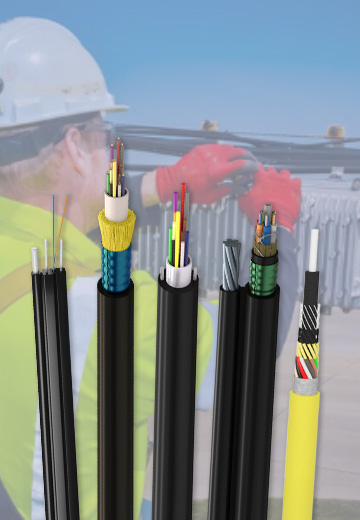 Fiber Optic CableAccess and backbone
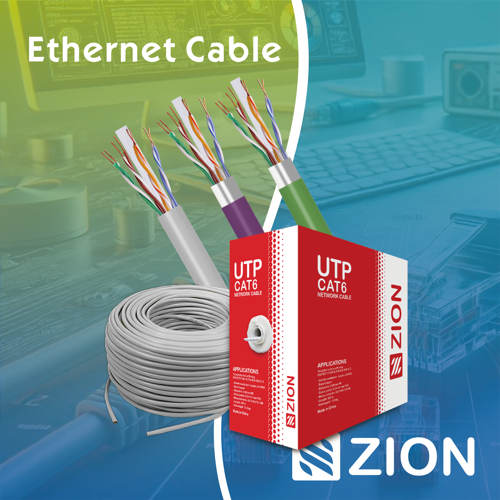 Ethernet CableCat5e to Cat8
 Coaxial CableRF and video signal
 Fire, Security & AlarmSafety systems
 Voice, Audio & VideoSignal cabling
 Power & Control CableEnergy and control
Fiber optic cable systems
Outdoor, indoor, FTTH and distribution cable lines for access networks, backbone routes and campus deployments.
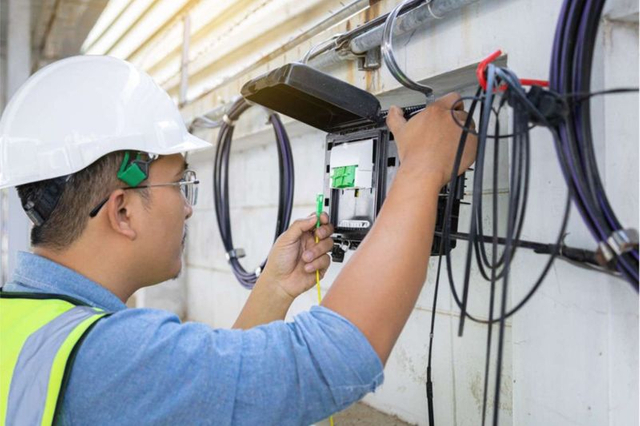 Telecom & ISP NetworksFTTH, PON, ODN
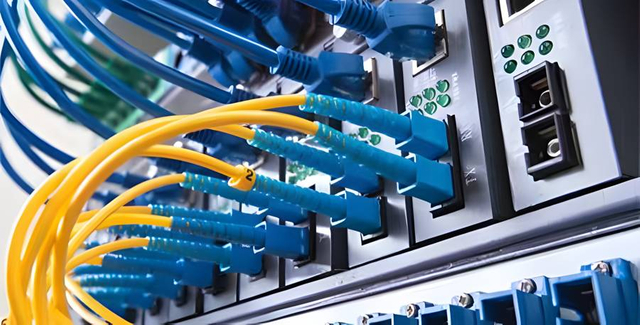 Data Center InfrastructureServer room cabling
 Building Low-Voltage SystemsBMS, AV, weak current
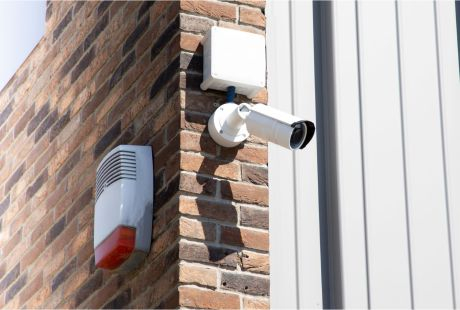 Security & Fire ProtectionAlarm, CCTV, access
 Industrial Automation CablePLC, RS485, fieldbus
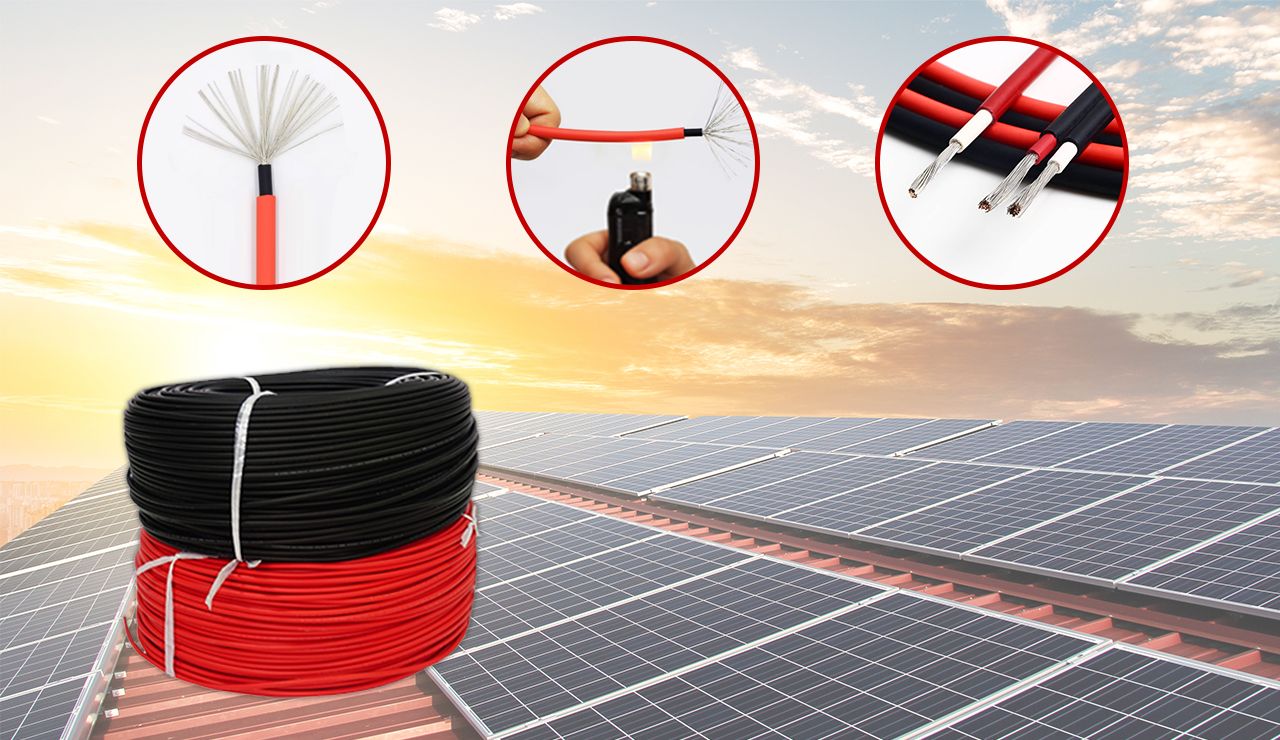 Energy & Power InfrastructureSolar, battery, power
Telecom & ISP Networks
For FTTH / PON access, outdoor fiber deployment, aerial routes, duct routes, direct burial routes, rural broadband and ODN planning.
Tools
Use calculators and planning tools for conduit capacity, PoE voltage drop and fiber optic link loss budget work.