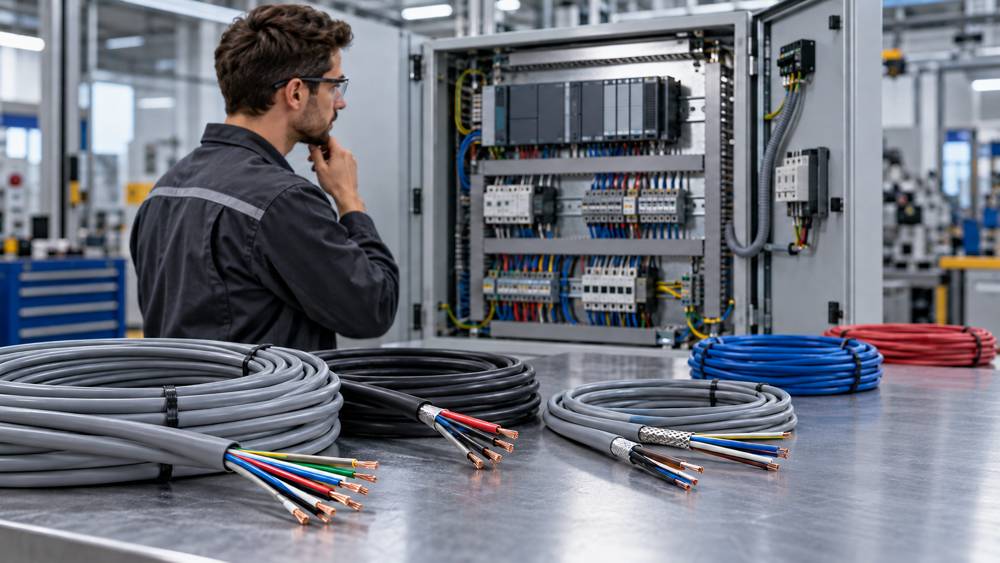
Quick answer: start with the circuit, not the cable name
The best control cable for a PLC panel is not one universal product. A standard digital input, a 4–20 mA transmitter, a thermocouple, an encoder, a solenoid, and a PROFINET link place different demands on the cable. Begin with the connected equipment and the circuit function, then select a cable construction that satisfies both.
For most purchasing decisions, five questions narrow the choice quickly:
- What signal or load will the cable carry?
- How many conductors or twisted pairs are required?
- What current, route length, and acceptable voltage drop apply?
- Is a shield required, and how will it be terminated?
- Is the route fixed or moving, and what environmental exposure applies?
A family name such as LiYY, LiYCY, YY, or CY describes part of the construction. It does not by itself confirm voltage rating, conductor size, bend radius, oil resistance, drag-chain duty, fire performance, approvals, or compatibility with a specific PLC interface. Finish the selection with the exact part-number datasheet.
Choose the cable by signal type
The signal table below is a starting point, not a substitute for the PLC module and field-device manuals.
| Circuit | Typical starting point | What to confirm |
|---|---|---|
| Standard digital I/O | Multicore control cable; shield only where the EMC design or device requires it. | Voltage, current, shared commons, route, separation, and terminal limits. |
| 4–20 mA or 0–10 V analog | Twisted pair, often with an overall or individual screen. | Module manual, pair arrangement, screen termination, common-mode limits, and grounding. |
| RTD sensor | Matched 2-, 3-, or 4-wire arrangement as required by the input module. | Connection method, conductor resistance, balance, and permissible extension cable. |
| Thermocouple | Correct thermocouple extension or compensating cable. | Thermocouple type, alloy, polarity, temperature range, and connector compatibility. |
| Encoder or high-speed pulse | Device-specified twisted pairs and shielding. | Interface type, pair assignment, impedance where specified, and maximum length. |
| Relay, solenoid, or contactor | Multicore control cable sized for the load and route. | Pickup or inrush current, steady current, loop voltage drop, and surge suppression. |
| Industrial network | Protocol-approved or manufacturer-specified network cable. | Physical layer, topology, connector, shielding, length, and installation class. |
Safety-related I/O also has to follow the approved safety architecture. Do not decide its routing, separation, diagnostics, or conductor sharing from the cable name alone.
Select core count and conductor size separately
Core count comes from the circuit schedule. Include every supply, return, signal, common, protective or functional conductor, required pair, and justified spare. A screen, braid, foil, or drain wire is not an ordinary spare conductor. If the cable description includes a green-and-yellow core, verify whether it is included in the stated core count.
Conductor size comes from electrical and installation checks. Review continuous current, temporary pickup or inrush current, total route length, allowable voltage drop, ambient temperature, grouping, protection, terminal range, and mechanical robustness.
For a simple two-wire DC circuit, a first voltage-drop check is:
Use the resistance of the complete outgoing-and-return loop at a realistic operating temperature. For solenoids, contactors, brakes, and similar loads, check voltage at pickup or inrush—not only at steady state. A circuit can pass a steady-state calculation and still fail to operate reliably.
Also verify the PLC output-group limit and common-terminal current. A conductor that can carry the branch current does not automatically make the module group or common connection acceptable.
Decide shielding and routing together
Not every PLC cable needs a shield, and a shield does not repair poor routing. Low-level analog, encoder, high-speed pulse, drive-control, and communication circuits often need more EMC control than ordinary low-speed discrete I/O. The device instructions and the electromagnetic environment decide the final requirement.
- Separate sensitive signal and communication cables from motor, drive-output, braking, and other high-disturbance circuits.
- Avoid long parallel runs between incompatible cable groups; follow the equipment or project guidance where crossing is unavoidable.
- Keep each signal with its associated return and preserve pair twist close to the terminal.
- Specify overall screening, individually screened pairs, or both according to the circuit—not simply “shielded cable.”
- Define shield continuity through glands, connectors, terminal areas, and junction boxes.
There is no universal “ground the shield at one end” or “at both ends” rule. The correct method depends on the interface, frequency range, common-mode conditions, network rules, and equipotential bonding. Follow the connected-equipment instructions and the project EMC plan. A long drain-wire pigtail may also reduce high-frequency shielding performance where a short, large-area connection is required.
Use the correct industrial network cable
A spare pair in an ordinary multicore control cable is not automatically suitable for PROFINET, PROFIBUS, EtherNet/IP, RS-485, CAN-based systems, encoder interfaces, or other industrial communications. These links may specify pair construction, characteristic impedance, capacitance, attenuation, balance, screening, connectors, topology, termination, and maximum segment length.
Purchase the cable as part of the network channel. Confirm the protocol, data rate or network class, fixed or flexible installation, connector and pin assignment, route length, shield continuity, and any required channel or conformance test. The device and network documentation should override generic control-cable advice.
Check the complete installation conditions
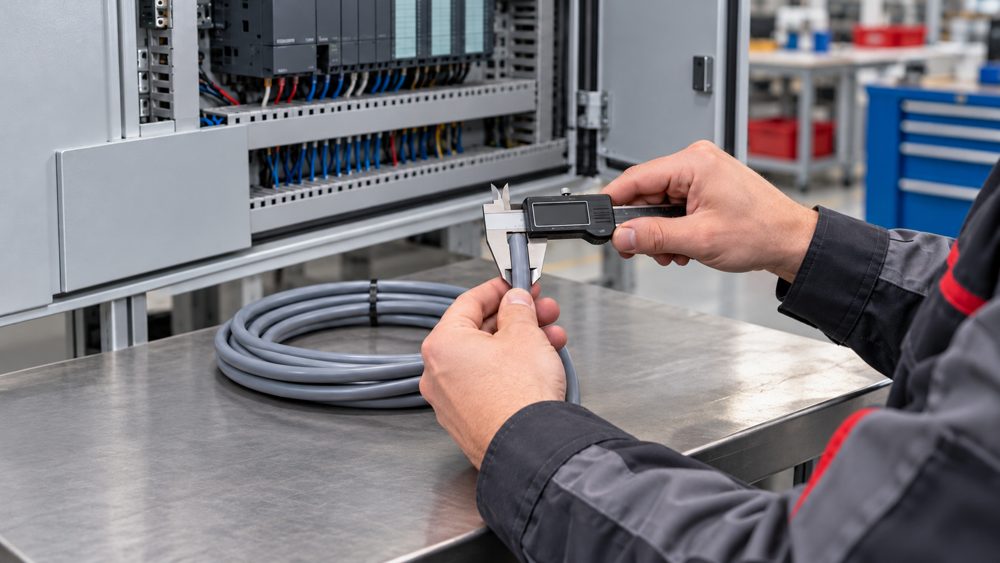
A suitable conductor can still become an unsuitable cable if it does not fit the installation. Inside the panel, check the cable outside diameter, gland and shield-clamp range, bend space, wireway fill, prepared conductor size, ferrules, terminal capacity, strip length, and tightening instructions. Never remove strands simply to force a conductor into a terminal.
For field routes, specify:
- Fixed installation, occasional movement, continuous flexing, torsion, festoon, or robotic duty.
- Minimum bend radius during installation and operation.
- Operating and installation temperature.
- Oil, coolant, water, condensation, chemicals, UV, abrasion, or mechanical impact.
- Indoor, outdoor, tray, conduit, duct, or other routing method.
- Required flame, smoke, halogen, fire-resistance, regional approval, or project compliance.
A Class 5 or Class 6 flexible conductor does not by itself prove drag-chain suitability. Continuous movement depends on the complete cable design, bend radius, travel, speed, acceleration, cycle expectation, and installation method.
Prepare a buyer-ready cable specification
A useful inquiry gives the supplier enough information to recommend and quote an exact part number. Send the following details instead of asking only for “PLC cable”:
- Circuit type: digital I/O, analog, RTD, thermocouple, encoder, load, safety, or network.
- Electrical data: voltage, continuous and inrush current, acceptable voltage drop, and route length.
- Construction: number of cores or pairs, spare requirement, conductor size, and protective conductor.
- Shielding: unshielded, overall shield, individually shielded pairs, or combined construction.
- Installation duty: fixed, occasional movement, drag chain, torsion, or robotic use.
- Environment: temperature, oil, chemicals, water, UV, abrasion, and indoor or outdoor route.
- Termination: terminal range, ferrule, connector, gland, cable diameter, and shield clamp.
- Compliance: destination market, standards, approvals, flame or low-smoke requirements.
- Documents: datasheet, drawing, declaration, test report, and any customer-specific record.
After those requirements are clear, compare exact options in ZION's flex control cable range. Verify every proposed part number against the supplier datasheet and the connected-equipment manuals before approval.
Common PLC cable selection mistakes
- Choosing by cable family name before identifying the signal or load.
- Using ordinary copper control cable for a thermocouple circuit.
- Using generic multicore cable for an industrial network without checking the physical layer.
- Selecting conductor size only from steady current and ignoring loop voltage drop or pickup current.
- Counting a screen, drain wire, or unmatched spare cores as a usable signal pair.
- Specifying “shielded” without defining the screen construction and termination method.
- Routing sensitive signals beside drive outputs or motor cables without an EMC review.
- Assuming a flexible conductor automatically makes the complete cable suitable for drag chains.
- Ignoring terminal, ferrule, connector, gland, shield-clamp, or bend-space limits.
- Ordering before the exact datasheet, approvals, and documents have been checked.
Frequently asked questions
Should every PLC cable be shielded?
No. Shielding depends on signal type, connected-equipment instructions, route, and electromagnetic interference. Standard low-speed digital I/O may not require it, while analog, encoder, high-speed, drive-control, and communication circuits often have specific requirements.
Can analog and digital signals share one multicore cable?
Sometimes, but not by default. Check voltage and insulation compatibility, pair arrangement, shielding, coupling risk, safety separation, and the instructions for every connected device.
Can PLC communication use ordinary control cable?
Only when the interface or network specification explicitly permits it. Industrial networks may specify impedance, pair construction, shielding, connectors, topology, segment length, and testing.
Should a cable shield be grounded at one end or both ends?
There is no universal rule. Follow the PLC, device, drive, and network instructions together with the project's EMC and equipotential-bonding design.
What information should a buyer send with an inquiry?
Provide circuit type, voltage, current, route length, core or pair count, conductor size, shield requirement, fixed or moving duty, environment, terminal or connector details, destination market, and required standards or approvals.
Official references
Apply the edition adopted by the project and local regulations. These official pages define the relevant scope; equipment instructions still govern the final connection.
- IEC 61131-2 — programmable-controller equipment requirements and tests.
- IEC 60204-1 — electrical equipment of machines.
- IEC 60364-5-52 — selection and erection of wiring systems.
- IEC 60228 — conductors of insulated cables.
- IEC TR 61000-5-2 — EMC installation guidance for earthing and cabling.
- IEC 60947-7-1 — terminal blocks for copper conductors.
- PROFINET Cabling and Interconnection Technology — cabling and passive infrastructure guidance.



 Fiber Optic Cable
 Fiber Optic Tools
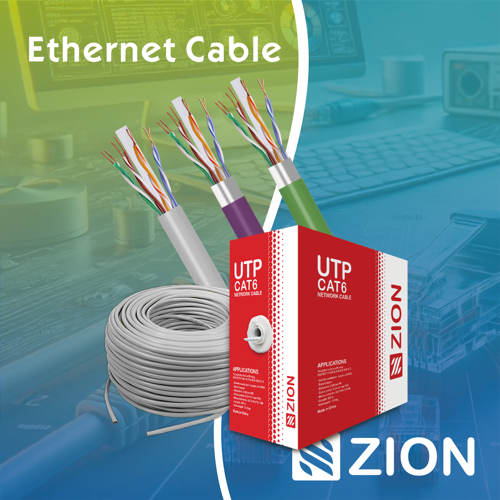 Ethernet Cable
 Coaxial Cable
 Fire & Security Cable
 Voice, Audio & Video
 Power & Control Cable