1. Separate cable identity from network configuration
Industrial Ethernet cable labeling should identify a physical asset or segment. An IP address, VLAN or network service name may change without replacing the cable. Keep those logical attributes in linked network records instead of making them the only cable identifier.
Belden Industrial HiVision documents topology recognition using LLDP and learned address tables. This is useful network-management information, but a physical cable schedule additionally records passive segments, route references and the identity printed at each cable end. Compare the two during maintenance instead of assuming either contains every detail.
2. Establish a stable device and cable naming scheme
Define the scope in which each ID must be unique: a machine, line, building or plant. Use a consistent device reference from the approved equipment list. Retain the physical port name as it appears on the device or its manual, including module or slot information when needed.
A simple project convention could use CBL-001 for a cable and CAB01-SW01 for a cabinet switch. These are illustrative identifiers, not a mandatory standard. Write down rules for retired IDs, spare cables and replacement segments so a removed cable does not remain listed as an active connection.
3. Build a device-port-cable cross-reference
Assign one row to each physical cable segment. Record end A and end B, the cable or assembly specification, route reference, drawing revision and verification status. Where a patch panel or bulkhead divides a link into separate cords, give each segment its own ID and record the intermediate port.
The table below is a fictional cabinet example. It illustrates the record relationship, not a recommended network topology or a real customer installation. Confirm actual port names against the installed equipment.
| Cable ID | End A | End B | Drawing / status |
|---|---|---|---|
| CBL-001 | CAB01-SW01 / Port 1 | CAB01-PLC01 / X1 P1 | NET-01 Rev B / verify |
| CBL-002 | CAB01-SW01 / Port 2 | CAB02-PP01 / Port 01 front | NET-01 Rev B / verify |
| CBL-003 | CAB02-PP01 / Port 01 rear | CAB02-IO01 / Port 1 | NET-01 Rev B / verify |
4. Put readable labels at both ends
Place the same cable ID near each termination where it remains readable after routing. Keep the marker clear of the connector latch, mating surface, strain-relief mechanism and required bend area. Do not tighten a marker or tie until it deforms the jacket. Select the marker size for the actual cable diameter.
Select label material and printing for the expected temperature, oils, cleaning agents, moisture or UV exposure. A readable office-paper label at handover may not remain readable in a production area. Verify suitability using the marker supplier data and site requirements; color alone is not a unique cable identity.

5. Keep identification separate from cable qualification
A correct label does not establish that a cable is suitable for PROFINET, a moving axis or a particular connector interface. Record the specified cable family, shielding, connector type, motion duty and environmental requirements in the bill of materials, supported by the selected product documentation.
Where different interfaces appear in the same cabinet, keep their records distinct. A device port name is not a wiring pinout. If pin assignment, coding or shield termination matters, reference the approved equipment or assembly drawing rather than fitting that engineering detail into a short label.
6. Verify records before maintenance handover
Check both ends against the schedule, confirm intermediate connections and compare labels with the current drawing. Record who checked the connection and when. If tracing requires disconnecting or testing an operating link, arrange the approved maintenance procedure and service impact review before touching the connection.
Treat identification checks and electrical or network acceptance as separate evidence. A link light does not prove the cable has the intended identity, and matching labels do not demonstrate transmission performance. Attach the project-required test records to the cable or link record.
7. Update labels, drawings and spare records together
After an approved port move or replacement, revise the affected cable row, endpoint labels and drawing reference before closing the work order. Record the previous connection where the change history requires it. A disconnected spare should be identifiable as spare, with its present location and condition recorded.
Provide the maintenance team with an editable schedule and a controlled released copy. Include the naming convention, test references and unresolved exceptions. This turns industrial network documentation into a usable maintenance record rather than a drawing that stops matching the cabinet after the first change.
Frequently asked questions
Should the label contain an IP address?
An IP address may be an additional project field, but use a stable cable ID as the physical identifier and manage changing network attributes in linked records.
Do both ends need the same cable ID?
Yes, for one physical segment. Separate cords joined through a panel should have distinct segment IDs linked by the panel port record.
Does a correct label prove PROFINET suitability?
No. Confirm cable and connector suitability from the product specification and project requirements, then verify the required installation and test records.
Prepare Your Project Requirements
Share route or connection records, required specifications, quantities and documentation needs to support product and order review.



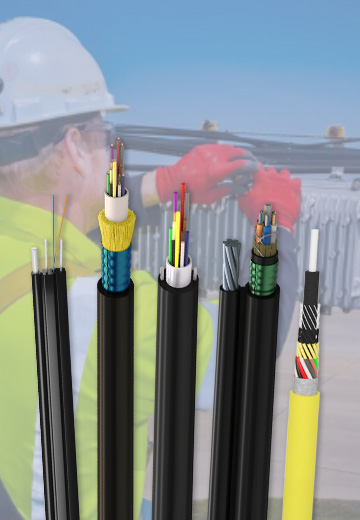 Fiber Optic Cable
 Fiber Optic Tools
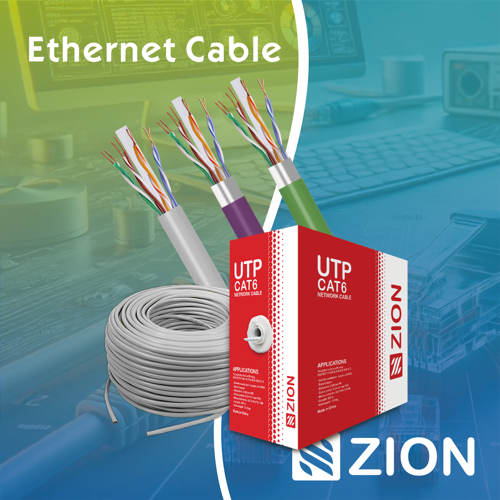 Ethernet Cable
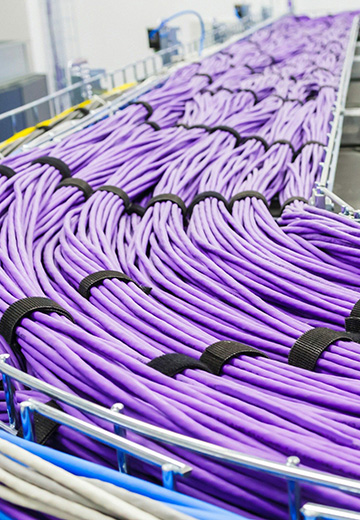 Coaxial Cable
 Fire & Security Cable
 Voice, Audio & Video
 Power & Control Cable