Build your own home Data Center
Author: Site Editor Publish Time: 23-09-2020 Origin: Site
How to Build a Home Data Center: A Practical Planning Guide Plan a reliable small server room or homelab around real workloads, electrical capacity, cooling, structured cabling, security and tested recovery.
A home data center is usually a compact homelab, server closet or small equipment room rather than a miniature commercial data center. It can host file storage, backups, home automation, media services, virtual machines, development environments or selected small-business applications. The right design starts with the services you actually need—not with a rack full of hardware.
Treat power, heat, noise, fire safety and data recovery as design inputs. Any new circuit, generator connection, fixed cooling system or fire-protection work should be reviewed by qualified professionals and must follow the rules that apply at the installation location.
■Is a home data center the right solution?
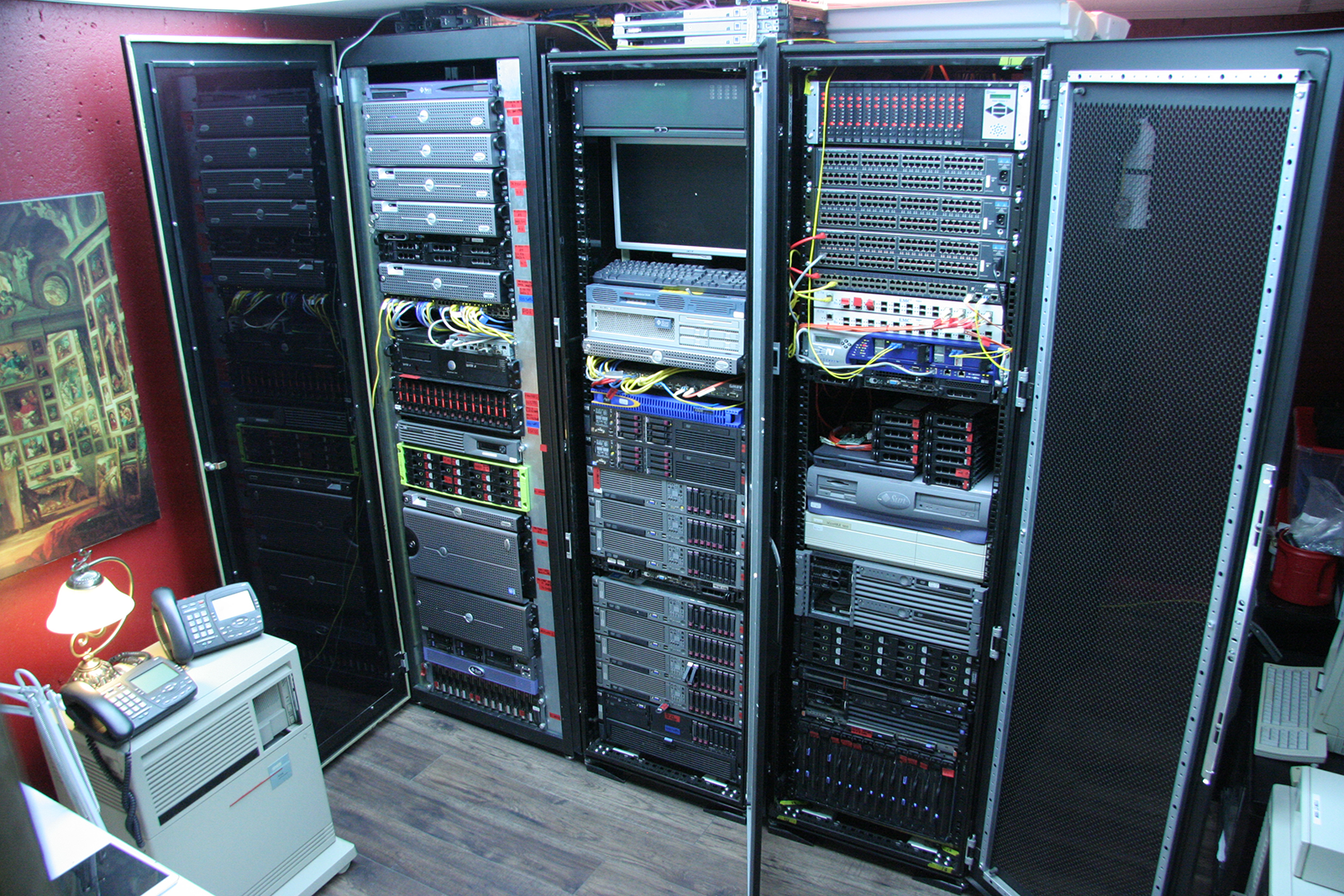
Self-hosting gives you direct control over hardware, local storage and network design, but it also makes you responsible for uptime, patching, security, power consumption and recovery. Before buying equipment, compare the workload with simpler options such as a NAS, a single quiet server, managed hosting or cloud services. A rack becomes useful when several systems need organized mounting, shared power protection, predictable airflow and documented cabling.
■1. Define workloads and recovery goals
List every intended service and classify its importance. A media library can tolerate more downtime than a business database or security-recording system. Record the expected users, storage growth, compute demand, network traffic and whether the service must remain available during an internet or power outage.
Availability target: decide which services may stop and which need graceful shutdown, failover or extended operation.
Recovery time: define how soon each service must be restored after a failure.
Recovery point: decide how much recent data loss is acceptable so the backup schedule has a real objective.
Growth: reserve reasonable rack units, switch ports, storage bays and electrical headroom without purchasing unnecessary idle equipment.
■2. Choose the room, rack and physical layout
Select a dry, secure area with enough electrical capacity, ventilation and service clearance. Avoid locations exposed to plumbing leaks, direct sunlight, dust, corrosive contaminants or blocked air paths. Check floor or wall loading before installing heavy equipment, batteries or a wall-mounted enclosure. Measure the deepest device, cable bend space and rear connector clearance—not only the rack-unit count.
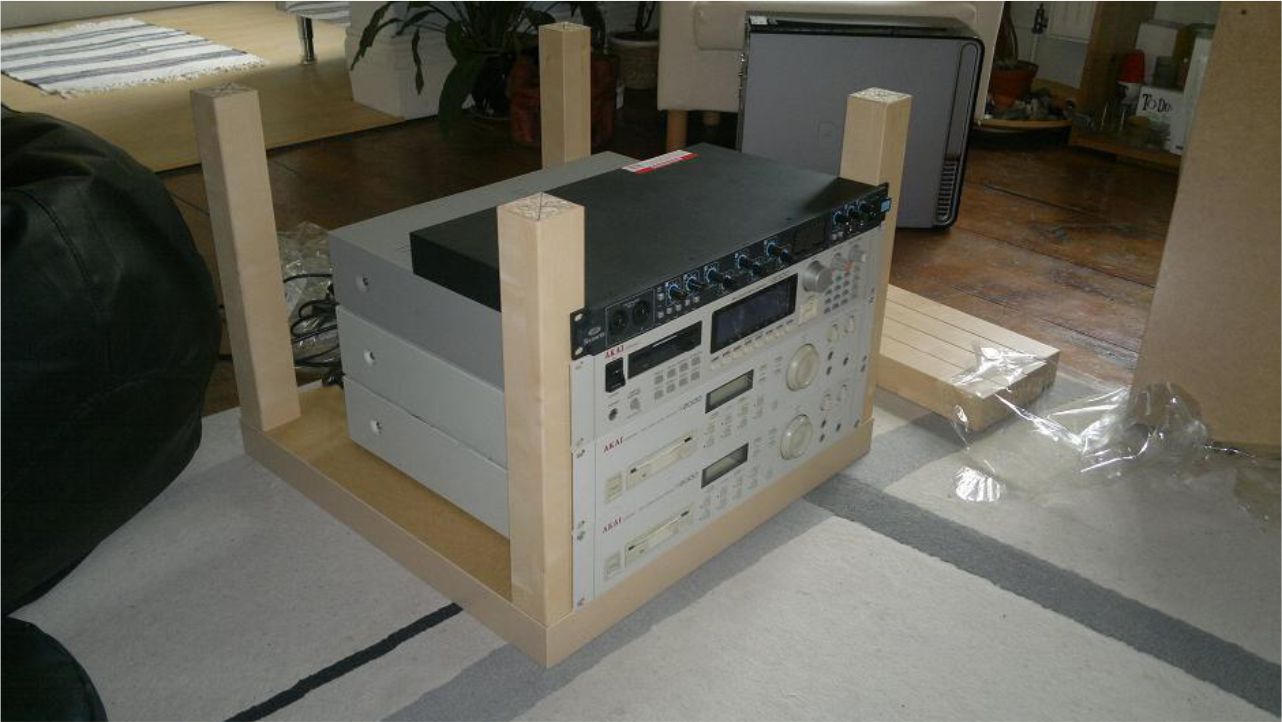
Furniture-based “LACKRack” projects are part of homelab culture, but household furniture is not a direct substitute for an enclosure designed around equipment weight, mounting rails, grounding, airflow, cable entry and access control. For permanent installations, select a floor-standing or 19-inch wall-mount network cabinet only after confirming usable depth, load capacity, door ventilation, wall structure and accessories.
■3. Calculate power and UPS requirements
Add the measured or documented wattage of servers, storage, switches, routers and other devices. Include startup behavior, expected expansion and the UPS’s own heat and losses. Compare both watt and VA ratings, input voltage, plug type, output waveform and manufacturer runtime data at the planned load. A fixed percentage of generator start time is not a universal battery-sizing method.
Size runtime for the chosen operating plan: ride through short outages, complete an automatic graceful shutdown, or bridge to a properly engineered standby source. Test shutdown automation and battery condition periodically. Do not daisy-chain power strips or connect loads that exceed the ratings of the circuit, UPS or rack PDU. A licensed electrician should evaluate new circuits, grounding, overcurrent protection and generator integration.
■4. Design cooling and environmental monitoring
Nearly all electrical input to IT equipment becomes heat in the room. Estimate the continuous heat load from actual power consumption, then maintain each device’s inlet air within its manufacturer limits. A universal 70°F room setpoint is not required, and room temperature alone can hide a hot rack intake. Keep cool intake air separated from warm exhaust, maintain clear front-to-rear airflow and avoid cable bundles that block fans or vents.
Place sensors where they reveal risk: near equipment air inlets, at likely top-of-rack hot spots and in the room when useful. The quantity should follow rack height, load density and airflow pattern rather than a fixed rule. Configure alerts for temperature, humidity where relevant, water leakage, fan or cooling failure and unexpected power loss. If safe temperature cannot be maintained during an outage, automated workload shutdown may be more practical than attempting to run household cooling from a small UPS.
■5. Plan internet, switching and structured cabling
There is no meaningful universal minimum such as 9 Mb/s. Internet capacity depends on remote users, hosted services, upstream traffic, backup replication, latency and whether the provider permits the intended use. For the local network, select switch and server interfaces first, then design an end-to-end copper or fiber channel that supports them. A Category 6A cable alone does not create a compliant 10-gigabit channel; patch panels, outlets, patch cords, installation and testing must also match.
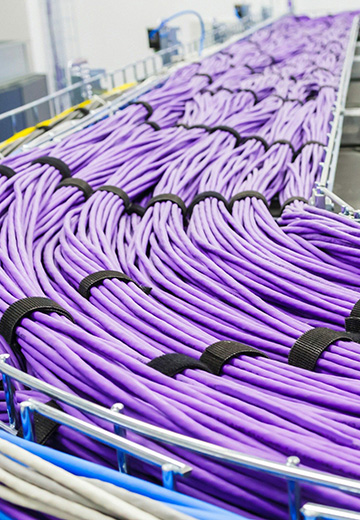
Use patch panels and cable managers to keep permanent cabling separate from equipment patch cords. Label both ends, document switch ports and leave bend radius and service loops appropriate to the cable. ZION’s data center and server room infrastructure guide organizes racks, copper and fiber cabling, PDUs, patch panels and cable management as one system rather than isolated products.
■6. Secure the systems and the room
Physical security begins with a lockable room or cabinet, controlled keys or credentials and a record of authorized access when business data is involved. Cybersecurity requires more than adding an IDS or IPS. Maintain an asset inventory, patch supported software and firmware, use unique administrative credentials and multi-factor authentication where available, and avoid exposing hypervisors, storage management or out-of-band management interfaces directly to the public internet.
Separate management, trusted users, guests and internet-facing services when the risk justifies it. Use a supported firewall and VPN for remote administration, keep useful logs and define who will respond to an alert or compromise. Small businesses without suitable expertise should consider qualified managed support instead of assuming that security appliances work safely by default.
■7. Build backup and recovery around failure
RAID, snapshots and a UPS serve different purposes and are not complete backups by themselves. Keep multiple copies of critical data on more than one media or system, with at least one copy isolated from the primary environment or stored offsite. Encrypt sensitive backups and protect the credentials needed to restore them.
Schedule backups according to the recovery-point objective and test restoration—not just job completion. A useful recovery test confirms that files, configurations, encryption keys, virtual machines and application dependencies can be rebuilt within the intended time. Keep a simple offline runbook with system ownership, shutdown order, restore sequence and emergency contacts.
■8. Address electrical and fire safety professionally
Do not treat a household extinguisher or a fire-rated cable as a complete fire-protection plan. Detection, alarms, suppression, emergency power-off decisions, equipment clearances, penetrations and cable fire ratings depend on local codes, room construction and the authority having jurisdiction. Consult qualified electrical and fire-protection professionals and the insurer before converting a room or closet into a continuously energized IT space.
■A practical phased build checklist
Document workloads, users, data value, availability and recovery objectives.
Measure equipment depth, weight, rack units, power consumption, noise and heat output.
Have the room, circuit capacity, grounding, ventilation and fire requirements reviewed.
Choose the enclosure, PDU and UPS after the load and runtime requirements are known.
Design switch capacity, internet service, copper or fiber links, patching and labeling.
Configure secure administration, segmentation, monitoring and alert ownership.
Implement backup copies and perform a documented restore test.
Start with a small load, record baseline power and temperatures, then expand only when the measurements justify it.
■Common planning mistakes
Buying a large rack before measuring equipment depth, floor space and service clearance.
Sizing the UPS from VA alone without checking watts and runtime at the actual load.
Cooling the room while allowing warm exhaust to recirculate into equipment inlets.
Choosing a cable category without designing and testing the complete channel.
Exposing management interfaces directly to the internet.
Assuming RAID or successful backup-job status proves that recovery will work.
■Frequently asked questions
Do I need a full rack for a home data center?
No. A NAS, tower server or compact wall cabinet may be enough. Choose a full rack only when device count, depth, weight, airflow, power distribution and service access justify it.
How much UPS runtime should I plan?
Plan enough runtime to meet a defined goal, such as riding through short outages, completing an automatic shutdown or bridging to a professionally integrated standby source. Use the UPS manufacturer’s runtime data at your measured load.
Is Category 6A required for every home server room?
No. Select cabling from the required Ethernet application, channel length, installed environment, PoE needs and future plans. Category 6A is a common choice for standards-based 10GBASE-T channels, but the complete channel must be compatible and correctly installed.
Can a home data center provide commercial data-center uptime?
Not automatically. Commercial availability depends on redundant power, cooling, connectivity, monitoring, staffing, maintenance and tested recovery. A home installation should state realistic service objectives and use external backup or hosting where the business impact requires it.



 Fiber Optic Tools
Products 6 families
Solutions 6 markets
Resources Tools & docs
Certificate
Certification and compliance references for project review, qualification and purchasing documentation.
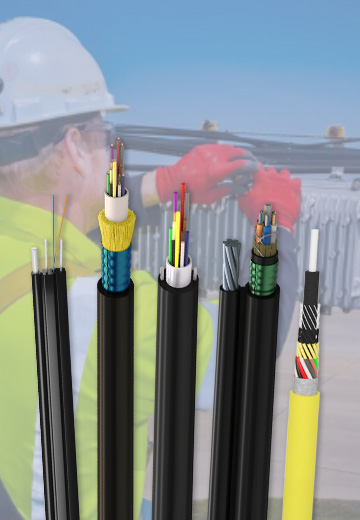 Fiber Optic CableAccess and backbone
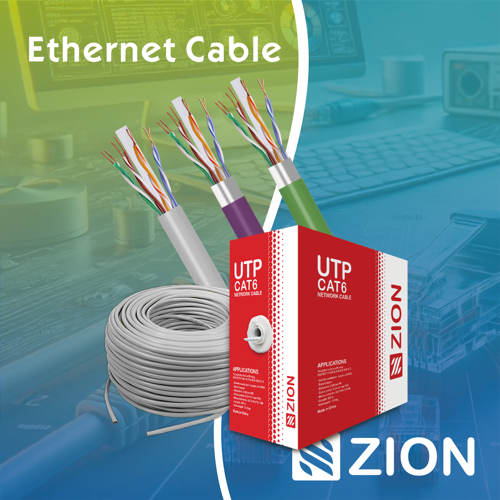 Ethernet CableCat5e to Cat8
 Coaxial CableRF and video signal
 Fire, Security & AlarmSafety systems
 Voice, Audio & VideoSignal cabling
 Power & Control CableEnergy and control
Fiber optic cable systems
Outdoor, indoor, FTTH and distribution cable lines for access networks, backbone routes and campus deployments.
 Telecom & ISP NetworksFTTH, PON, ODN
 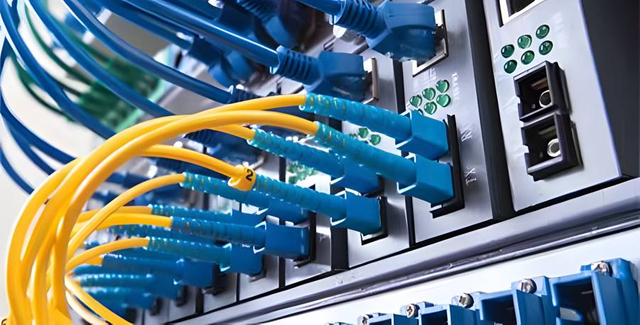 Data Center InfrastructureServer room cabling
  Building Low-Voltage SystemsBMS, AV, weak current
  Security & Fire ProtectionAlarm, CCTV, access
  Industrial Automation CablePLC, RS485, fieldbus
 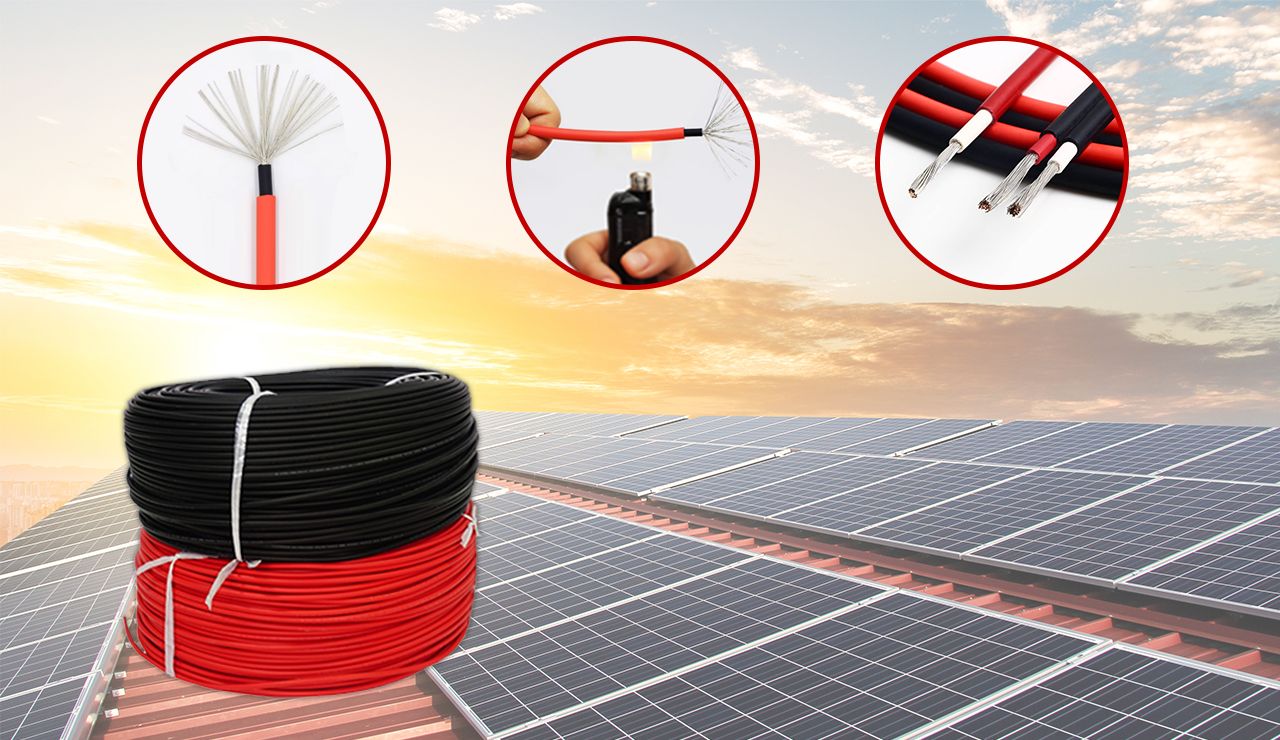 Energy & Power InfrastructureSolar, battery, power
 Telecom & ISP Networks
For FTTH / PON access, outdoor fiber deployment, aerial routes, duct routes, direct burial routes, rural broadband and ODN planning.
Tools
Use calculators and planning tools for conduit capacity, PoE voltage drop and fiber optic link loss budget work.