Which cable is suitable for CCTV IP Camera?
Author: Michael Publish Time: 26-09-2019 Origin: Site
For most fixed CCTV IP camera links within the standard Ethernet channel distance, standards-compliant Cat5e made with solid copper conductors is a practical baseline. Cat6 is often the better choice for new installations because it provides more transmission headroom and gives the cabling plant greater flexibility for future devices. Cat6A is appropriate when a project needs a full 100 m 10GBASE-T channel, higher-power PoE planning or stronger alien-crosstalk control.
■Which Ethernet cable is best for CCTV IP cameras?
Use Cat5e for a cost-effective indoor camera link when the required data rate and PoE load are comfortably within the equipment specifications. Choose Cat6 for new commercial installations, higher PoE loads, electrically demanding routes or projects that may later carry faster network devices. Choose Cat6A when the project specifically requires 10 Gigabit Ethernet over the full standard channel or when the cabling design calls for its additional performance margin.
The category name is only one part of the decision. Confirm 100% copper conductors, the correct indoor or outdoor jacket, compatible connectors, the camera's PoE class, the switch power budget, the route's electromagnetic environment and the completed-link test results.
| Cable category | Typical standards bandwidth | Best fit for CCTV projects | Selection note |
| Cat5e Ethernet cable | 100 MHz | Standard 100/1000 Mb/s indoor camera links | A practical baseline when the link, PoE load and environment are verified. |
| Cat6 Ethernet cable | 250 MHz | New commercial installations and additional performance headroom | Available in both unshielded and shielded constructions; Cat6 does not automatically mean shielded. |
| Cat6A | 500 MHz | Full-channel 10GBASE-T planning, dense bundles and demanding upgrades | Larger cable diameter and termination requirements should be included in pathway planning. |
■How PoE camera cabling works
A PoE camera receives data and DC power over the same four-pair balanced cable. The power sourcing equipment (PSE)—normally a PoE switch, NVR PoE port or midspan—negotiates with the powered device (PD) before supplying power. The camera's required PoE type must be supported by the PSE, and the total switch power budget must cover all connected cameras and accessories.

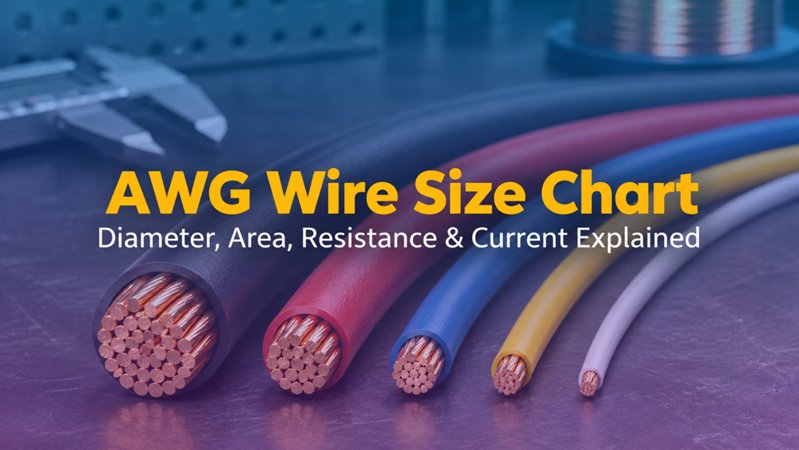
PoE performance depends on DC loop resistance and resistance balance as well as data performance. Use standards-compliant 100% copper cable. Copper-clad aluminum (CCA) has higher resistance, creates more voltage drop and heat, and should not be specified as category cabling for PoE camera links.

■Ethernet distance limits for IP cameras
Plan a standards-based balanced copper Ethernet channel for a maximum of 100 m between active devices. Do not treat ordinary Cat5e or Cat6 cable as a standards-compliant 200 m or 300 m Ethernet solution. Camera power draw, conductor resistance, ambient temperature, bundle size, connectors and installation quality can reduce the available PoE margin even when the data link is within 100 m.
When the route exceeds 100 m Add an intermediate network switch or a purpose-designed Ethernet/PoE extender whose complete link is validated for the camera load. For long outdoor, campus or high-interference routes, fiber with local power or a remote PoE switch is often the more robust architecture. |
■UTP or shielded cable for security cameras?
Unshielded twisted-pair (U/UTP) cable is suitable for many ordinary indoor routes when it is separated from power conductors and strong electromagnetic noise. Use a shielded construction when the camera manufacturer requires it, when the cable runs outdoors, or when the route is near motors, variable-frequency drives, large inductive loads or parallel power wiring.
Shielding must form a continuous, compatible path through the cable, connectors, patch panels and equipment, with bonding and grounding designed for the site. An incomplete shield path does not provide the intended protection. Outdoor routes may also require PoE-compatible surge protection near the building entry and camera, based on the equipment instructions and local lightning-risk design.
Indoor, outdoor and direct-burial cable selection
Indoor pathways: choose the required fire-performance rating for the building and jurisdiction, such as the applicable riser or plenum classification.
Outdoor exposure: use a UV-resistant, water-resistant outdoor-rated jacket; ordinary indoor PVC should not be left exposed to sunlight and moisture.
Wet conduit: treat underground and outdoor conduit as a wet location and select cable rated for that environment.
Direct burial: use cable specifically designed for direct burial and follow separation, grounding, surge-protection and local code requirements.
Building entry: plan the transition between outdoor-rated and indoor-rated cable according to the applicable code and pathway design.
How to size bandwidth and PoE capacity
Do not assume every camera stays below one fixed bitrate. Resolution, frame rate, codec, image complexity, analytics, multiple streams and bitrate control all affect traffic. Use the camera manufacturer's bitrate planning tool or measured design value, then total the traffic that shares each switch uplink and NVR interface.
For PoE, record each camera's maximum power requirement, including heaters, IR illuminators, wipers and accessories. Add those loads, retain design margin, and verify both the per-port capability and total PSE budget. Higher-power four-pair PoE also makes conductor resistance, bundle heating, ambient temperature and termination quality more important.
CCTV camera cable installation checklist
Confirm the camera data rate, Ethernet interface and required PoE type.
Measure the complete route and keep the standards-based copper channel within 100 m.
Select Cat5e, Cat6 or Cat6A based on current load, future capacity and pathway space.
Specify 100% copper conductors; avoid CCA for category and PoE links.
Match the jacket, shielding and fire rating to the route and local requirements.
Maintain bend radius, pulling tension, pair twist and separation from electrical noise sources.
Use category-compatible connectors and consistent T568A or T568B termination at both ends.
Certify the completed link for the selected category and, for PoE, review DC resistance and resistance-unbalance results where the test platform supports them.

ZION's LAN and Ethernet cable catalog provides category, shielding, jacket and installation-cable options for project specification. Match the final part number to the required conductor, environment, fire rating and compliance documents before ordering.
Frequently asked questions
Can I use Cat5e cable for PoE security cameras?
Yes. Standards-compliant Cat5e with solid copper conductors can support many PoE IP camera links. Verify the camera's data and power requirements, cable length, conductor resistance, ambient temperature and PSE budget.
Is Cat6 always shielded?
No. Cat6 describes a performance category, not a single shielding construction. Cat6 is available as U/UTP and in several shielded designs. Select shielding according to the route, equipment instructions and bonding plan.
Can a Cat6 camera cable run 200 m or 300 m?
Not as an ordinary standards-based copper Ethernet channel. For routes beyond 100 m, redesign the link with an active switch, a validated extender, or fiber plus appropriate local power or remote PoE equipment.
Should outdoor IP cameras use shielded cable?
Many outdoor camera manufacturers require shielded network cable. Follow the exact camera instructions and design a continuous shield, bonding, grounding and surge-protection path. Also use a jacket rated for the outdoor or wet environment.
What information should be included in a CCTV cable request?
Provide the camera model and quantity, PoE type and maximum watts, route length, indoor or outdoor environment, shielding requirement, jacket and fire rating, conductor size, installation method, connector plan, destination standards and required test or compliance documents.



 Fiber Optic Tools
Products 6 families
Solutions 6 markets
Resources Tools & docs
Certificate
Certification and compliance references for project review, qualification and purchasing documentation.

 Fiber Optic CableAccess and backbone
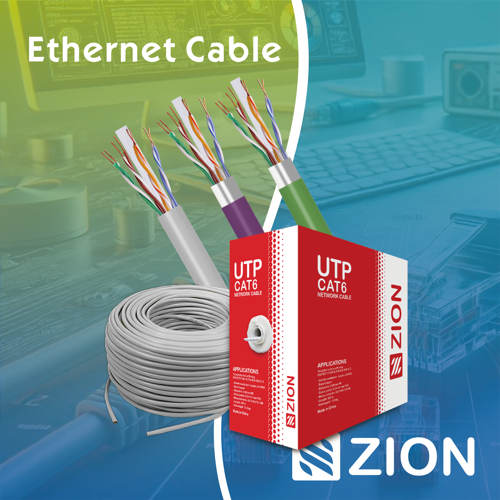 Ethernet CableCat5e to Cat8
 Coaxial CableRF and video signal
 Fire, Security & AlarmSafety systems
 Voice, Audio & VideoSignal cabling
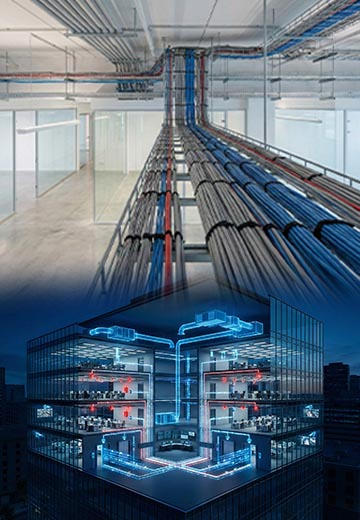 Power & Control CableEnergy and control
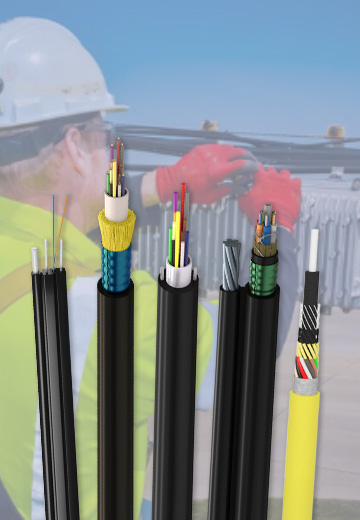
Fiber optic cable systems
Outdoor, indoor, FTTH and distribution cable lines for access networks, backbone routes and campus deployments.
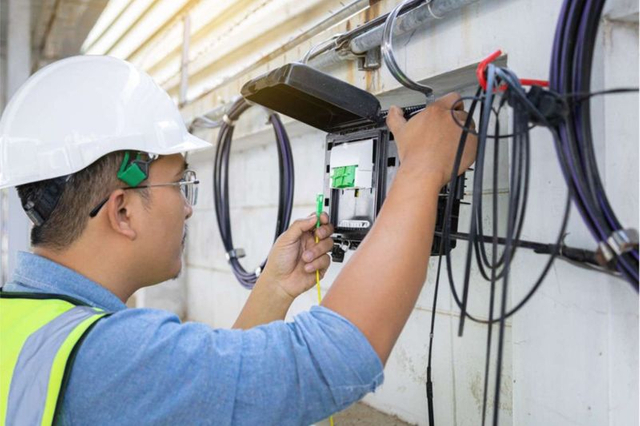 Telecom & ISP NetworksFTTH, PON, ODN
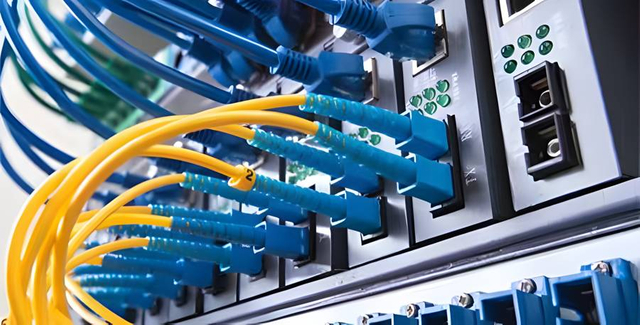 Data Center InfrastructureServer room cabling
 Building Low-Voltage SystemsBMS, AV, weak current
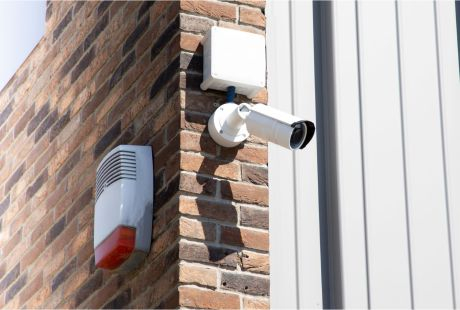 Security & Fire ProtectionAlarm, CCTV, access
 Industrial Automation CablePLC, RS485, fieldbus
 Energy & Power InfrastructureSolar, battery, power
Telecom & ISP Networks
For FTTH / PON access, outdoor fiber deployment, aerial routes, duct routes, direct burial routes, rural broadband and ODN planning.
Tools
Use calculators and planning tools for conduit capacity, PoE voltage drop and fiber optic link loss budget work.