How to choose the right fiber optic cable
Author: James Xu Publish Time: 14-09-2018 Origin: https://www.zion-communication.com/
The right fiber optic cable is the cable that supports the planned optical link and can survive the route from installation through service. Start with the network requirements, then match the fiber category, construction, environment, installation method, fire rating, mechanical limits, fiber count, and connector plan. A familiar cable name or model code is not enough by itself.
■1. Start with the Link Requirements
Before choosing a cable, define what the link must do. The cable and the active equipment must support the same fiber type, operating wavelength, connector interface, and transmission standard. Reach depends on the complete channel—including transmitters, receivers, splices, connectors, splitters, and design margin—not on the cable alone.
■2. Choose Single-Mode or Multimode Fiber
Single-mode fiber is the normal choice for long outside-plant links, telecom access networks, campus backbones, and projects that need a broad upgrade path. Multimode fiber is commonly used for shorter building and data-center links where the installed transceivers are designed for OM fiber. Do not choose by distance alone: confirm the application standard and transceiver specification.
| Decision point | Single-mode | Multimode |
| Typical use | Telecom, access, campus, metro, long backbone, and many industrial links | Shorter premises and data-center links with compatible optics |
| Common categories | OS2; ITU-T G.652.D and G.657.A are common reference types | OM3 and OM4 are common for new high-speed links; OM5 is application-specific |
| Selection check | Verify the exact transceiver, wavelength, channel length, connector loss, splice loss, and applicable system standard. | |
■3. Match the Fiber Category to the Route
OS2 describes a cabled single-mode category, while ITU-T G.652 and G.657 describe optical fiber characteristics. G.652.D remains widely used for general single-mode networks. G.657 fibers offer improved bending performance; G.657.A fibers are designed for compatibility with G.652.D systems, while category B fibers are intended for tighter-bend, short-reach access applications and require a more specific compatibility review.
For multimode systems, select OM3, OM4, or OM5 only after checking the transceiver standard and supported reach. OM1 and OM2 may remain in legacy networks, but they should not be assumed to support a new high-speed application without verification.
■4. Select the Cable Construction
Cable construction determines how the fibers are protected, installed, accessed, and terminated. Loose-tube cable is common in outside-plant routes because the tubes isolate fibers from installation and environmental stress and can support high fiber density. Tight-buffered distribution and breakout constructions are common in premises because they are flexible and convenient for direct termination. Ribbon designs increase fiber density and can support mass-fusion workflows when the project is designed for them.
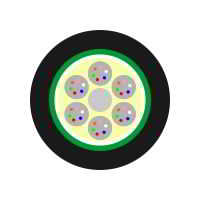
Patch cords, pigtails, drop cables, distribution cables, breakout cables, microduct cables, and armored cables solve different tasks. The legacy GY- and GJ-series model codes in the original article describe particular construction conventions; they are not a universal substitute for a current datasheet. Use the Fiber Optic Cables product type to identify the relevant family, then verify the exact construction and test data.
■5. Match the Cable to the Installation Environment
Indoor cable needs the flame and smoke classification required by the building, pathway, and local code. Outdoor cable needs suitable protection against moisture, temperature cycling, ultraviolet exposure, and installation loads. When a route enters a building, use a listed indoor/outdoor cable where permitted or transition to an appropriately rated indoor cable at the required point.
Aerial: confirm span, sag, wind, ice, pole loading, and attachment hardware. All-dielectric ADSS cable is designed for self-supporting aerial routes, but the exact design must match the span and environmental loading.
Duct or microduct: confirm duct diameter, fill, pulling or blowing method, cable outside diameter, friction, route bends, and access points.
Direct burial: specify the required armor, crush protection, water blocking, rodent resistance, soil conditions, burial method, and local practice.
Power and high-EMI areas: an all-dielectric construction can avoid conductive elements, while metallic armor or strength members introduce bonding, grounding, and separation requirements.
Relevant ZION Product Types
| Fiber and cable families | Optical Fibers · Outdoor Fiber Optic Cables · Indoor Fiber Optic Cables |
| Outdoor constructions | ADSS Cable · OPGW · Duct Fiber Optic Cable · Direct Buried Fiber Optic Cable · Air Blown Micro Cable |
| Access and fire-rated cables | FTTH Cables & Assemblies · Building Cabling Fiber · Fire-Resistant Fiber Cable |
| Connectivity | Fiber Connectivity · Fiber Patch Cable |
■6. Check Mechanical and Installation Limits
Every candidate cable should be checked against the manufacturer’s installation and service limits. Review maximum pulling tension, minimum bend radius during installation and after installation, crush resistance, impact resistance, operating and installation temperature, cable weight, outside diameter, and permitted pulling or blowing methods. Bend-insensitive fiber reduces macrobending loss, but it does not cancel the cable manufacturer’s bend-radius requirement.
Also confirm the hardware around the cable: pulling eyes, swivels, grips, closures, splice trays, glands, clamps, slack storage, and termination panels. A cable that fits the optical design can still fail the project if it does not fit the pathway or hardware.
■7. Plan Fiber Count, Connectors, and Termination
Choose a fiber count that covers the active design, restoration strategy, growth, and practical cable availability. Too few spare fibers can make future work expensive; excessive count can increase cable size, hardware requirements, and cost without adding value.
Connector type and polish must match the equipment and network design. Never mate APC and UPC interfaces. For duplex or multi-fiber channels, document polarity from end to end. Decide whether the project will use field splicing, pigtails, splice-on connectors, field-installable connectors, or factory-terminated assemblies, and include their losses in the link budget.
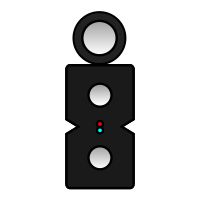
For access and last-mile routes, compare the required installation method, strength members, bend performance, and termination plan with the available FTTH Cables & Assemblies product type.
■8. Fiber Optic Cable Buying Checklist
A useful cable request should include enough information for the supplier to select a construction and confirm a datasheet. Prepare the following:
Application, protocol, transceiver, wavelength, data rate, and required channel length.
Single-mode or multimode fiber category and any required ITU-T or IEC/ISO designation.
Fiber count, cable length, drum lengths, spare-fiber strategy, and color-coding requirements.
Indoor, outdoor, indoor/outdoor, aerial, duct, microduct, direct-buried, tray, or special-route installation.
Temperature, water exposure, UV, chemical exposure, rodent risk, fire rating, and metallic or all-dielectric preference.
Connector, polish, polarity, fanout, termination, labeling, packaging, and test-report requirements.
Applicable project standards, approvals, documentation language, destination, and delivery constraints.
■9. Common Selection Mistakes
Treating cable reach as guaranteed without checking the transceiver and full channel loss budget.
Using an outdoor cable inside a building without confirming the required fire classification or transition point.
Selecting armor without considering grounding, bonding, corrosion, weight, and installation hardware.
Assuming “bend-insensitive” means the cable can ignore its specified minimum bend radius.
Ordering by a short model code without confirming the current datasheet, fiber category, jacket, armor, environment, and test requirements.
■Frequently Asked Questions
Is single-mode fiber always the best choice?No. Single-mode is well suited to long links and broad network expansion, but a short premises link may use multimode when the active equipment and application standard are designed for it. Compare the complete system, not only the cable price. |
What is the difference between loose-tube and tight-buffered cable?Loose-tube cable places coated fibers inside protective tubes and is common in outside plant and high-fiber-count routes. Tight-buffered cable adds a thicker buffer around each fiber and is common in premises distribution, breakout, and patch-cord constructions. |
Can outdoor fiber optic cable be installed indoors?Only when the cable and installation comply with the applicable building requirements. Many projects use an approved indoor/outdoor cable or transition from outside-plant cable to a suitable indoor-rated cable near the building entrance. |
How many fibers should I order?Add the fibers required by the active design, restoration plan, and realistic growth forecast, then compare common cable counts and pathway limits. The right spare capacity depends on the network’s criticality and expansion plan. |



 Fiber Optic Tools
Products 6 families
Solutions 6 markets
Resources Tools & docs
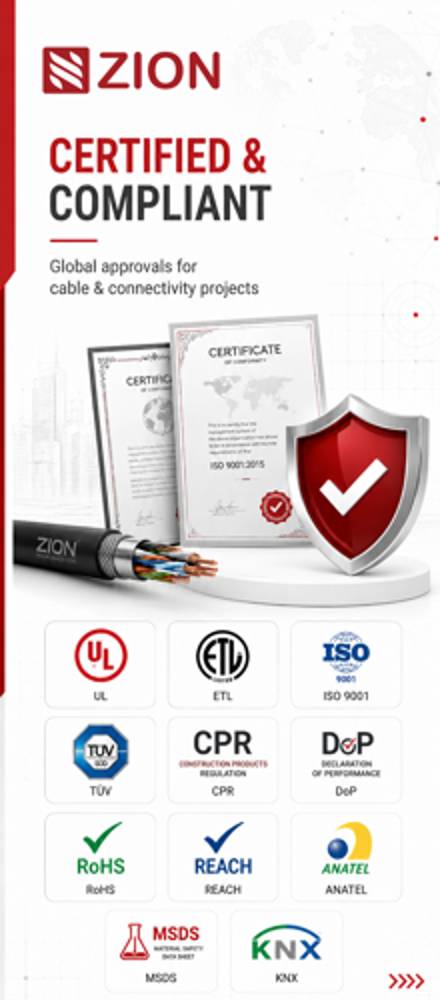
Certificate
Certification and compliance references for project review, qualification and purchasing documentation.
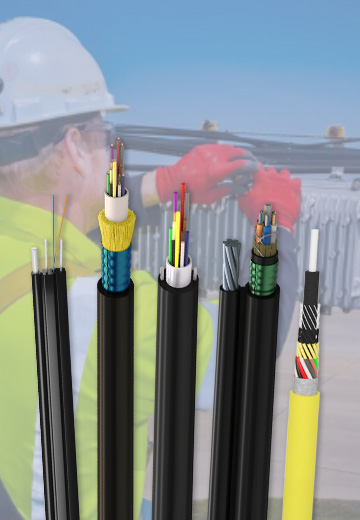 Fiber Optic CableAccess and backbone
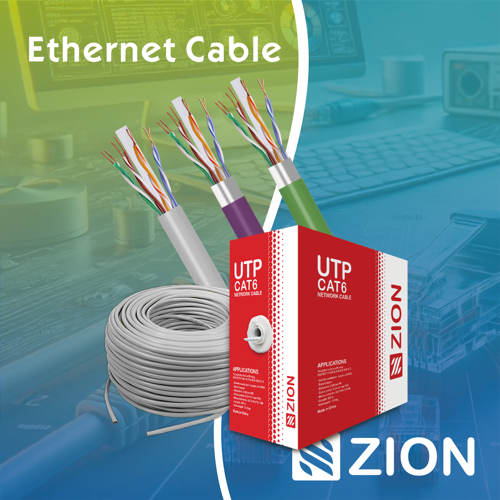 Ethernet CableCat5e to Cat8
 Coaxial CableRF and video signal
 Fire, Security & AlarmSafety systems
 Voice, Audio & VideoSignal cabling
 Power & Control CableEnergy and control
Fiber optic cable systems
Outdoor, indoor, FTTH and distribution cable lines for access networks, backbone routes and campus deployments.
 Telecom & ISP NetworksFTTH, PON, ODN
 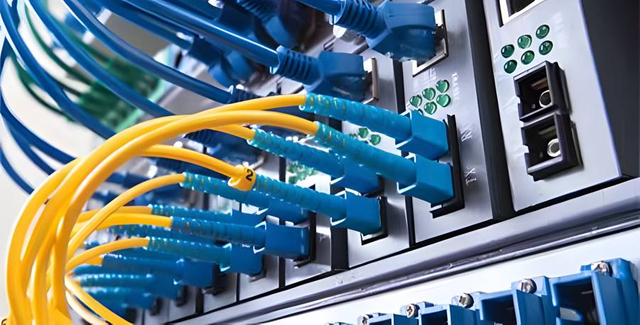 Data Center InfrastructureServer room cabling
  Building Low-Voltage SystemsBMS, AV, weak current
 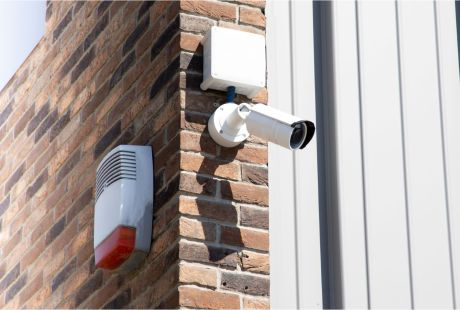 Security & Fire ProtectionAlarm, CCTV, access
  Industrial Automation CablePLC, RS485, fieldbus
 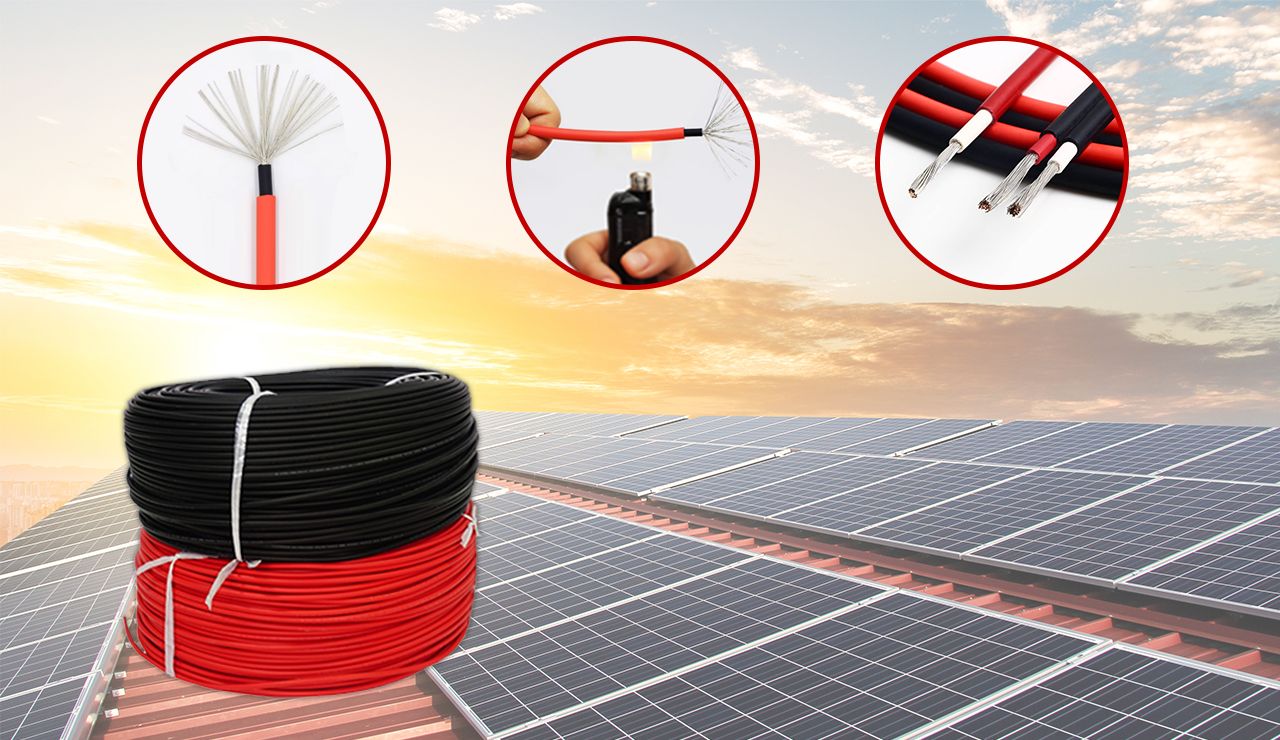 Energy & Power InfrastructureSolar, battery, power
 Telecom & ISP Networks
For FTTH / PON access, outdoor fiber deployment, aerial routes, duct routes, direct burial routes, rural broadband and ODN planning.
Tools
Use calculators and planning tools for conduit capacity, PoE voltage drop and fiber optic link loss budget work.